
What MonsoonOS does, feature by feature.
MonsoonOS gives self-serve car wash, in-bay automatic, and dog wash owners the tools to manage equipment, take payments, and grow revenue, all from a single platform.
What you get with MonsoonOS
Built for wash business owners who want to spend less time at the site and more time growing their business.
Remote Equipment Management
Control and monitor all your wash equipment from one dashboard. Turn machines on or off, check status, and get alerts from anywhere.
Subscription Plans & Wash on Demand
Offer recurring Subscription Plans, app-based Wash on Demand, or work alongside your existing onsite payment options. Customers sign up and billing happens automatically.
Mobile App for Customers
Your customers get a branded mobile app to start washes, buy plans, manage payment methods, and see their wash history.
Saved Payment Methods
Customers save a card once and pay with a tap every time they wash. Fast, simple, and secure, with no cash or coins needed.
Customer Tracking
See who your customers are, how often they visit, what plans they use, and how much they spend. Know your business inside and out.
Employee Management
Set up roles for owners, managers, and staff. Control who can see what and who can do what at each of your locations.
Revenue Reporting
Real-time dashboards show revenue by machine, location, and plan type. See daily, weekly, and monthly trends at a glance.
Your Brand, Your Business
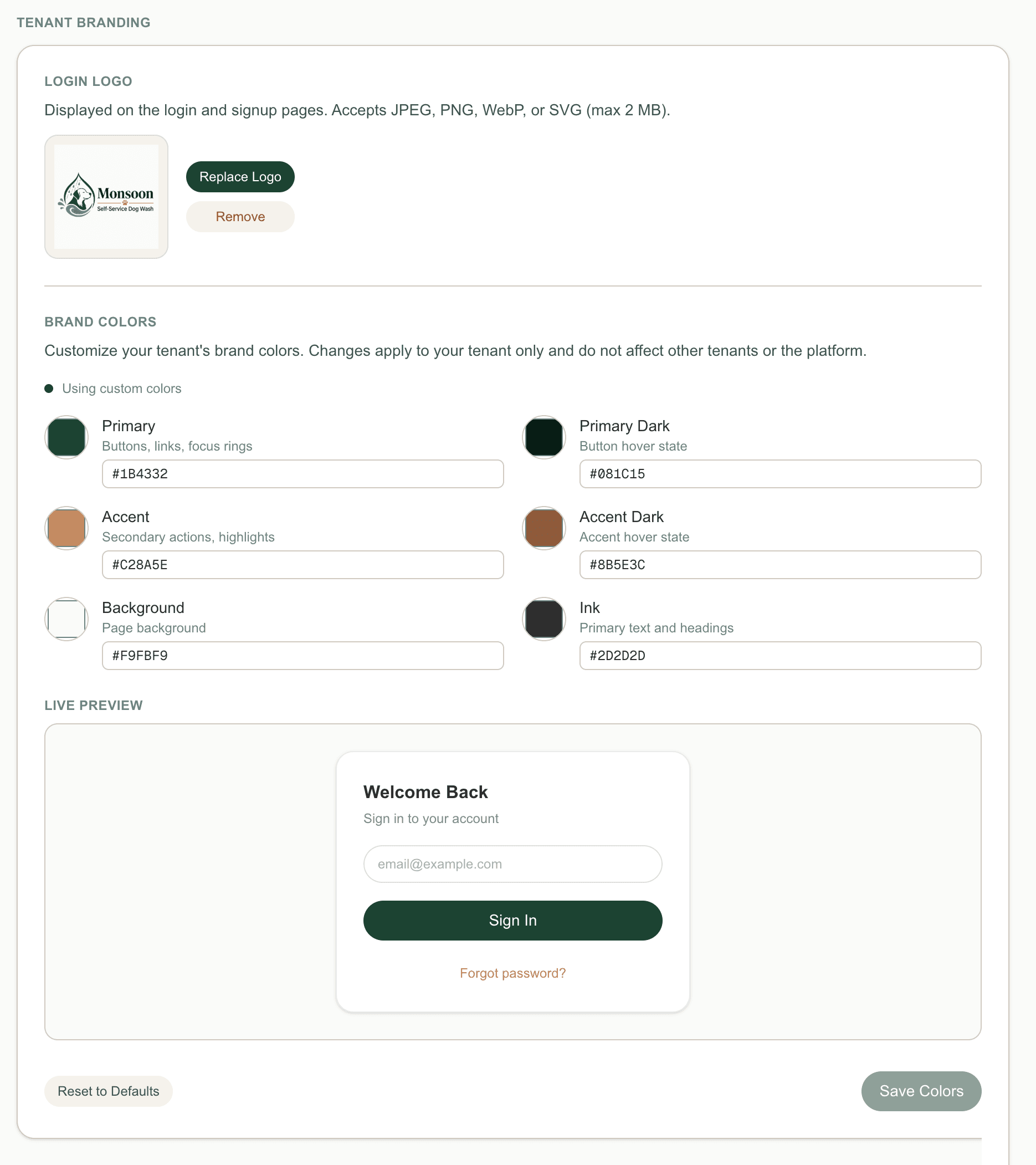
Your customers see your logo, your colors, and your name, not ours. The app and website are fully branded to your business.
Rain Pay Terminals
Integrated tap and swipe payment terminals at every bay. Fleet washes and promo redemption on-screen, a QR code to join a subscription in the app, and competitive processing rates.
Learn moreFleet & Pack Billing
Commercial accounts with personalized QR codes and PINs. Every wash lands on a ledger; the company gets one consolidated monthly invoice with your discount.
Learn morePromotion Engine
Coupons, free washes, QR promo codes, and wallet passes. Created in minutes, redeemable in the app or on the terminal, tracked to the redemption.
Learn moreOnline Store
Sell retail items and extras through your online store, on the same platform as your washes. One checkout, one ledger.
See the platform
The dashboard, the customer app, and the reports.
Your Command Center
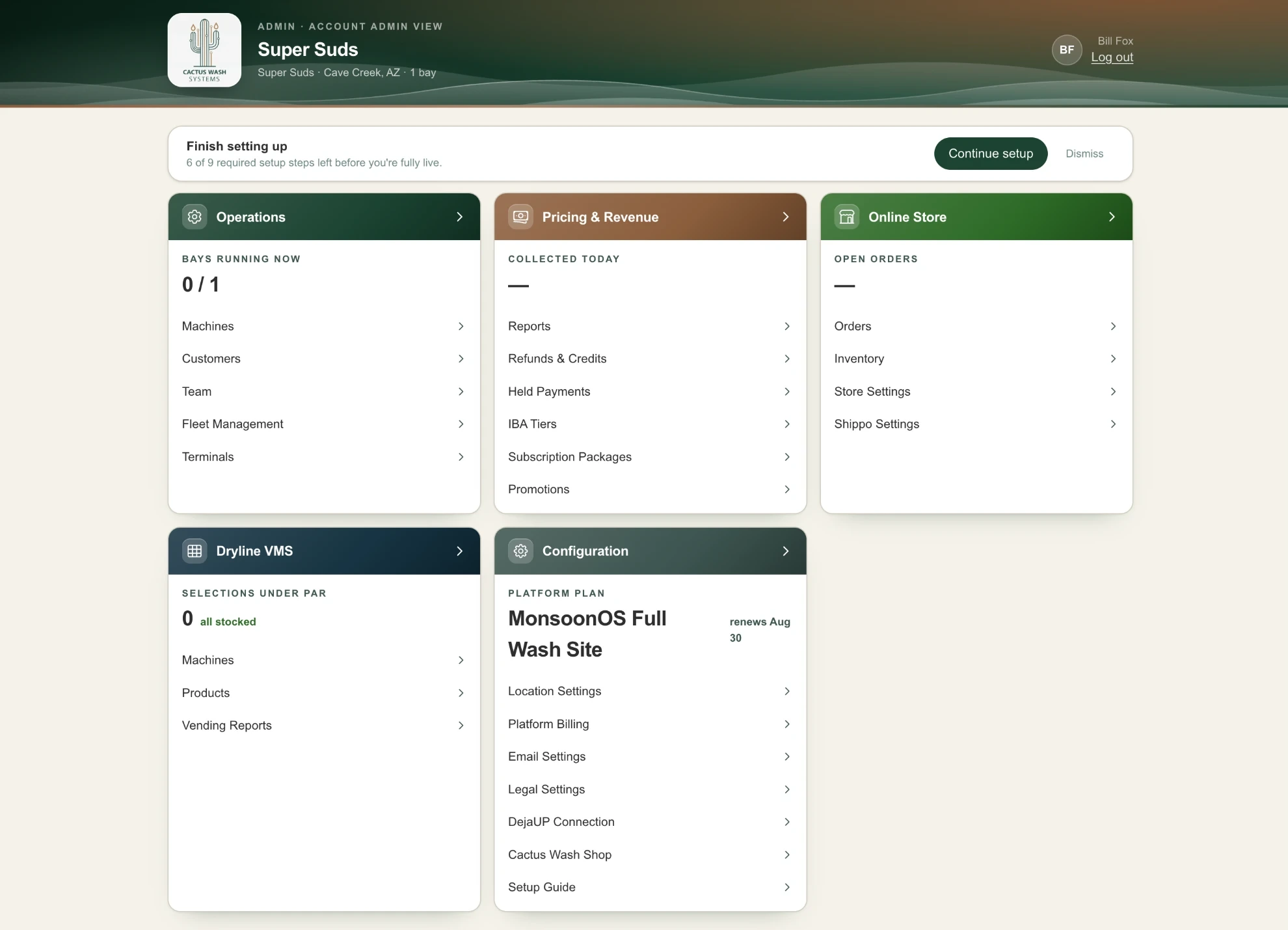
Machines, customers, your team, pricing, reports, the online store and setup are each one click from the admin home. Every card leads with a live number, like bays running now or money collected today.
Find a Wash Nearby
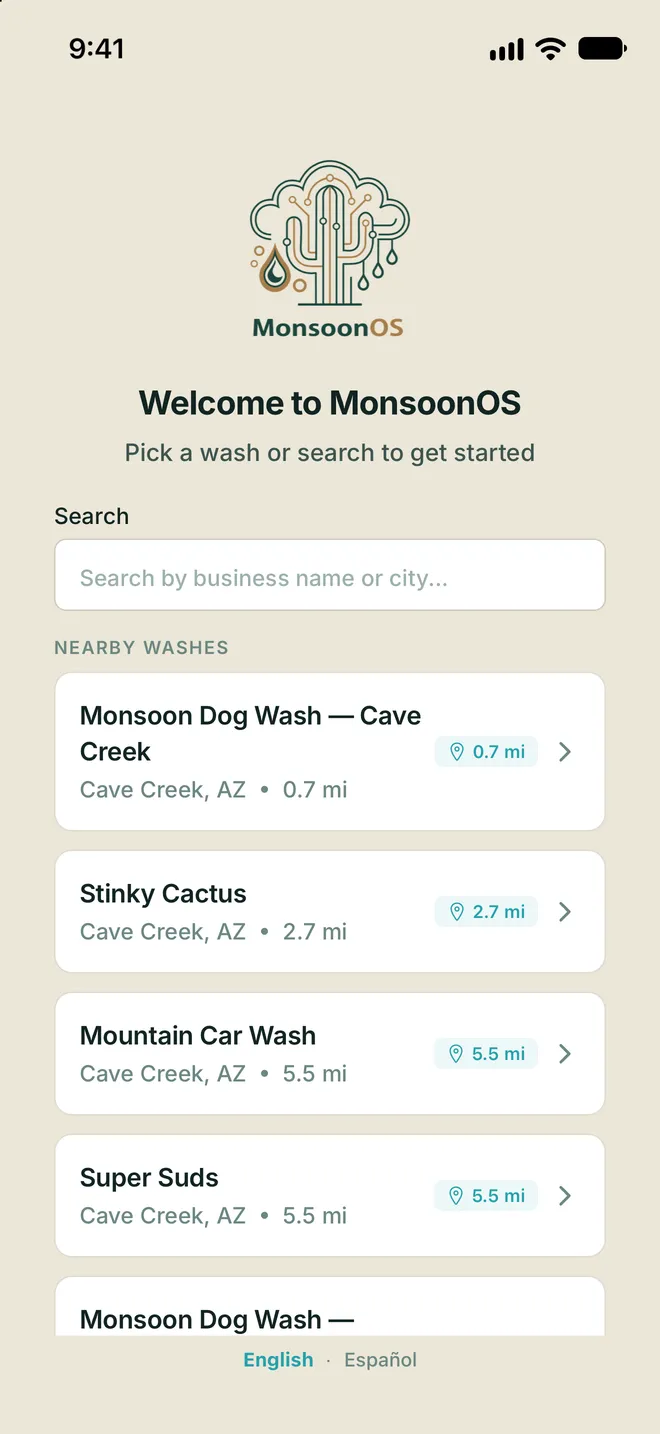
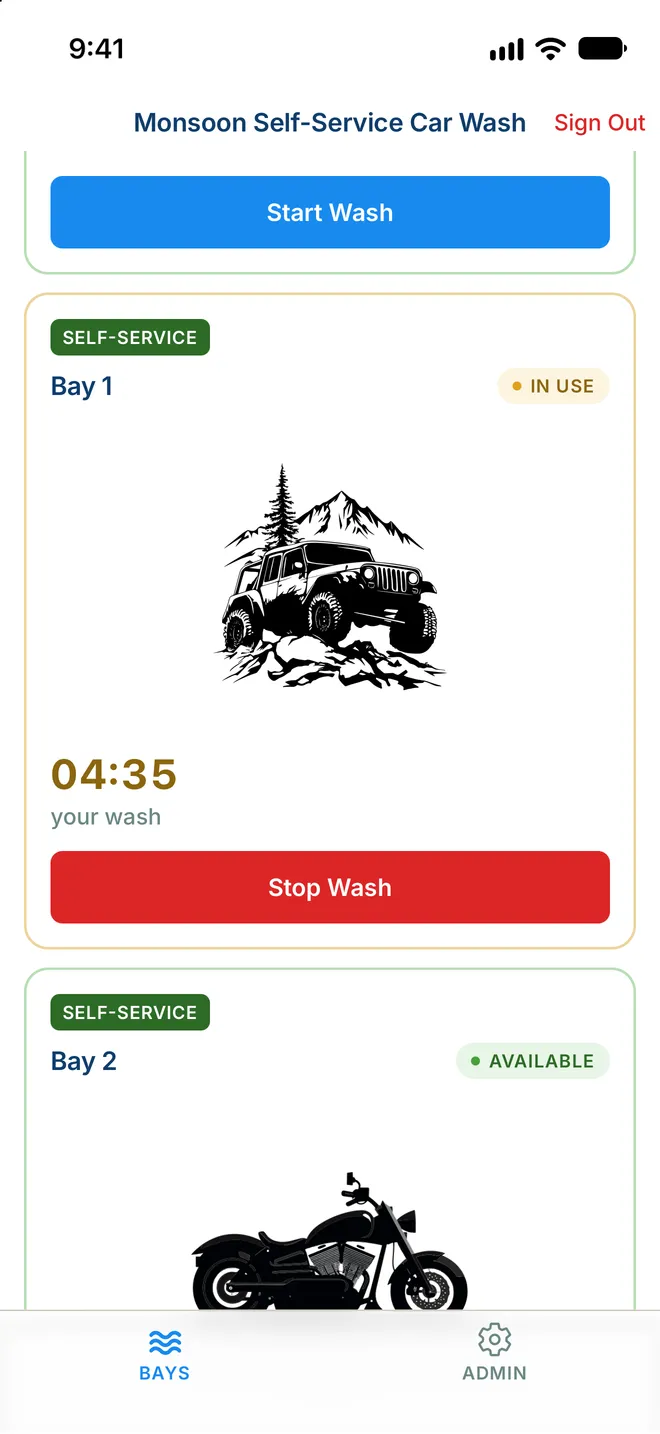
Customers open the app and instantly see nearby wash locations with real-time distance. Pick a business, set it as default, and get washing in seconds.
Wash on Demand
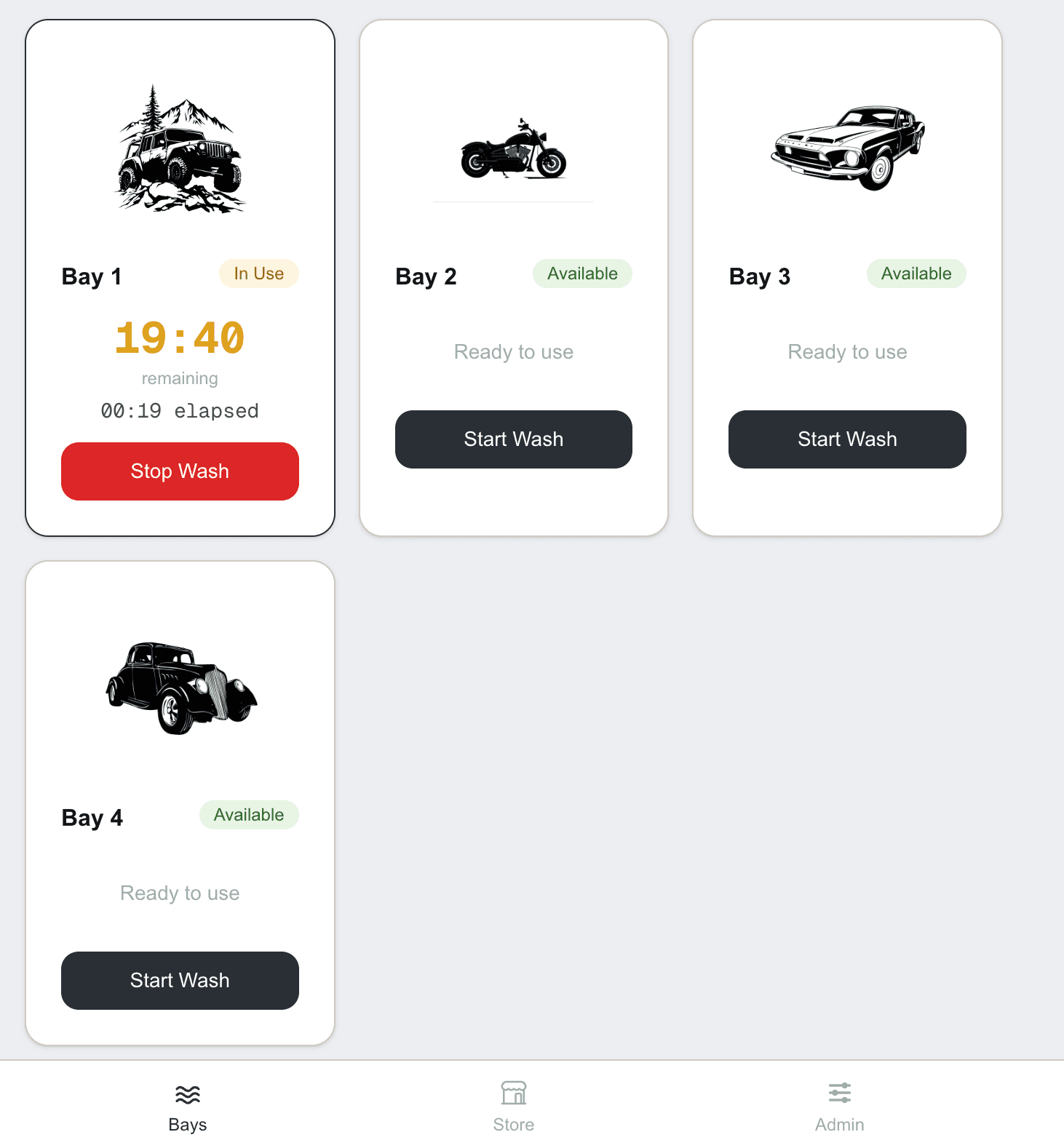
Your customers pick a location, choose an available bay, and start a wash right from their phone, with no tokens, coins, or line to wait in. Each bay can have a custom name and image so customers can quickly identify the right one in the app. iBeacon technology verifies customers are on-site before a wash will start.
Customer Detail
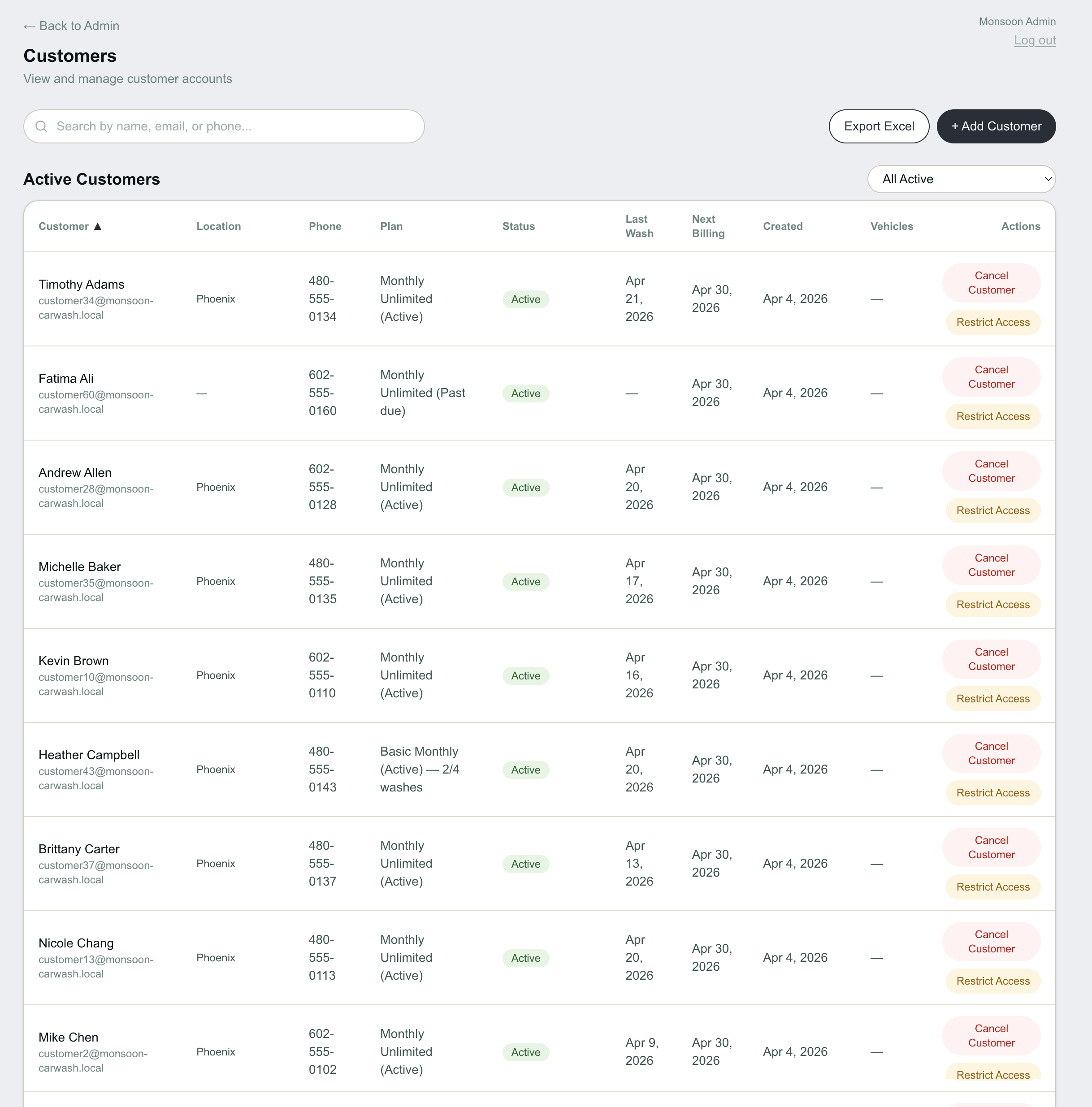
Every customer on a single page: current plan, payment method, full wash history, lifetime value, and actions you can take from one place.
Reporting Command Center
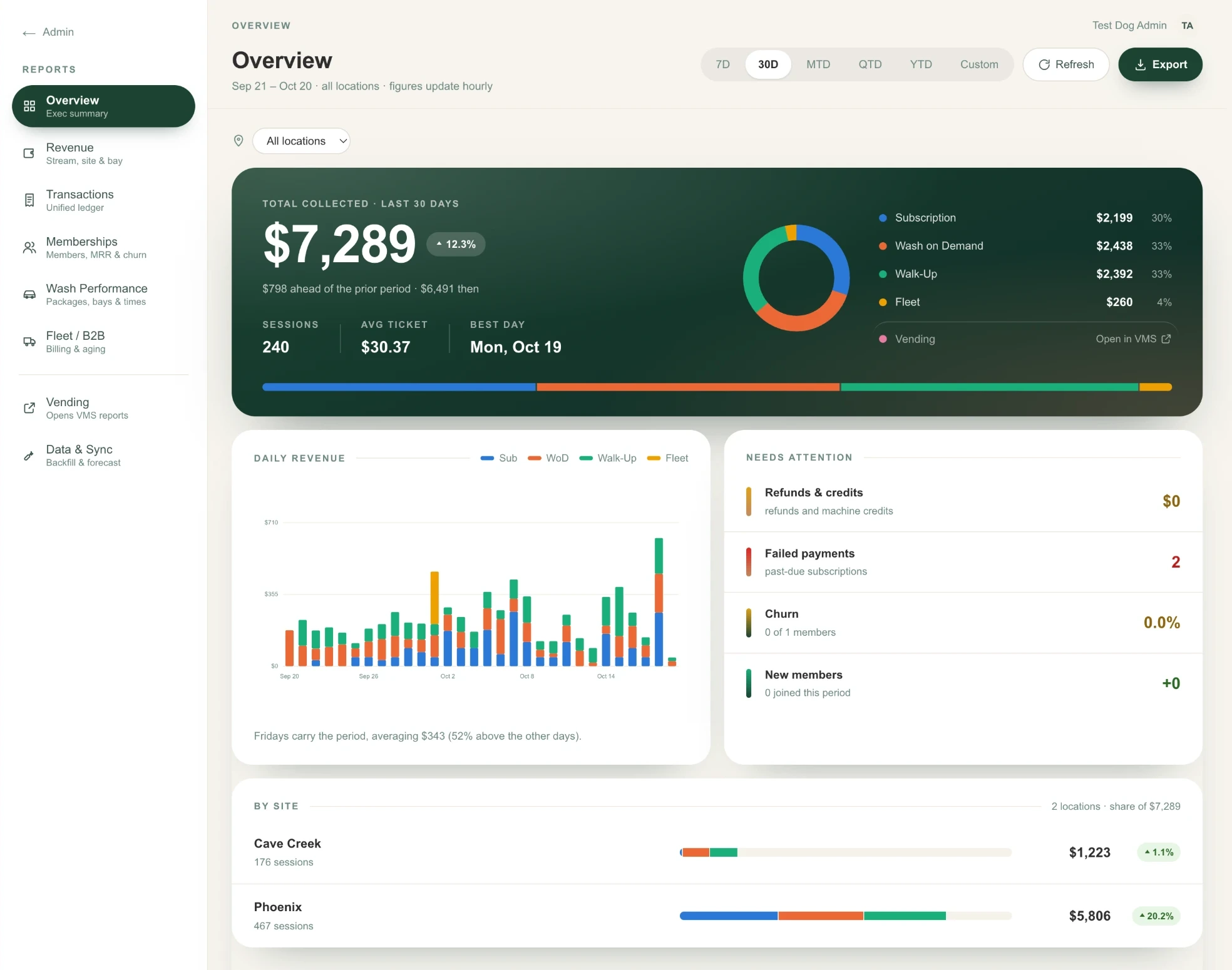
See revenue split into subscriptions, Wash on Demand, walk-ups and fleet, with a daily chart and a breakdown by site. Refunds, failed payments and churn sit in a Needs Attention list. Pick 7 or 30 days, month, quarter or year to date, or a custom range.
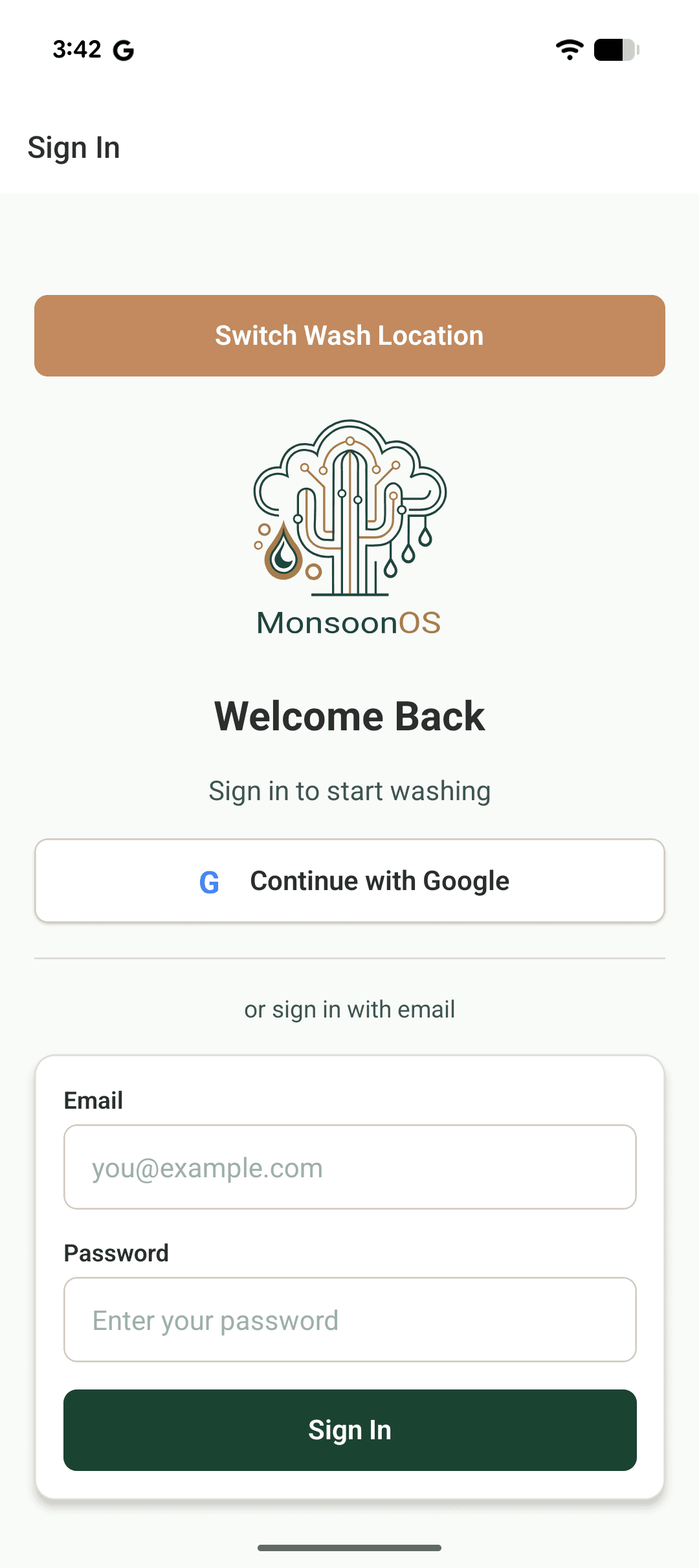
MonsoonOS App
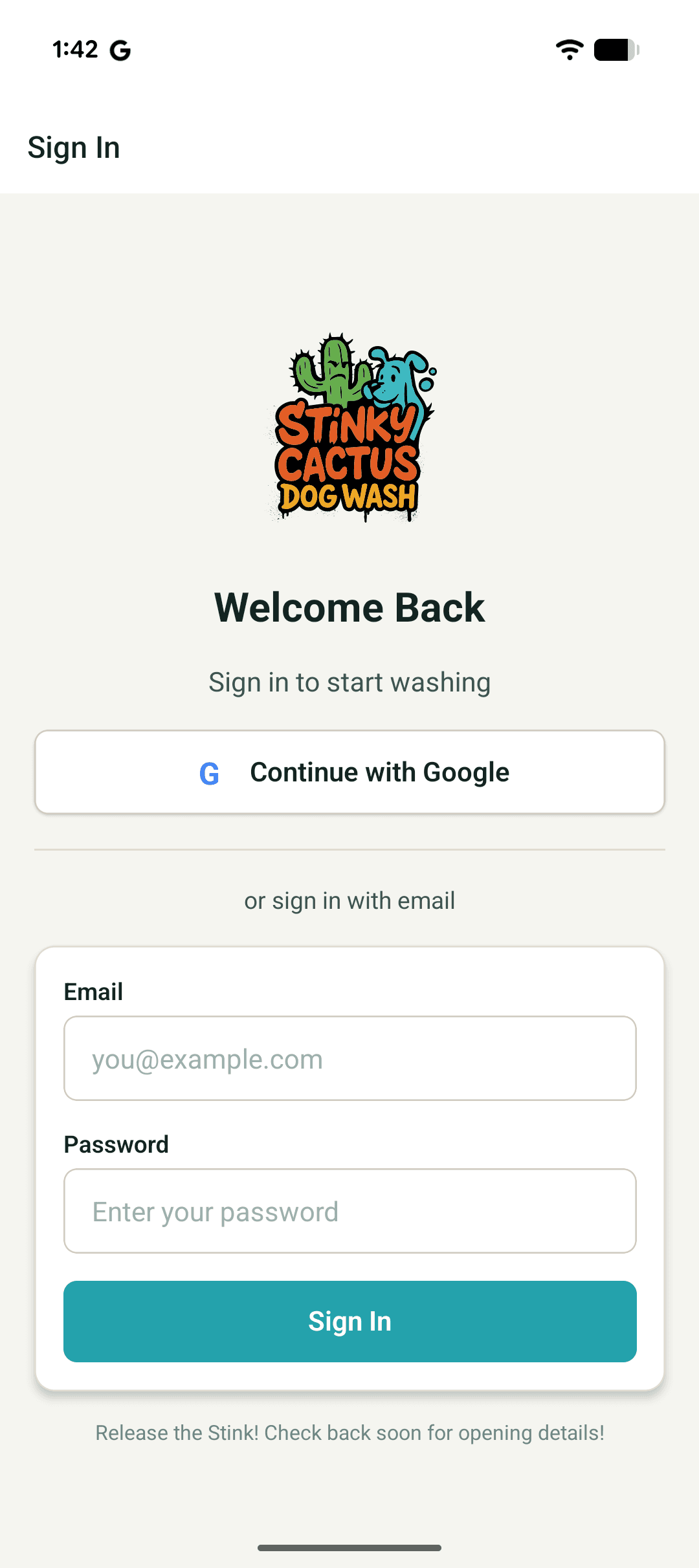
Your Branded App
Your Brand, Your Way
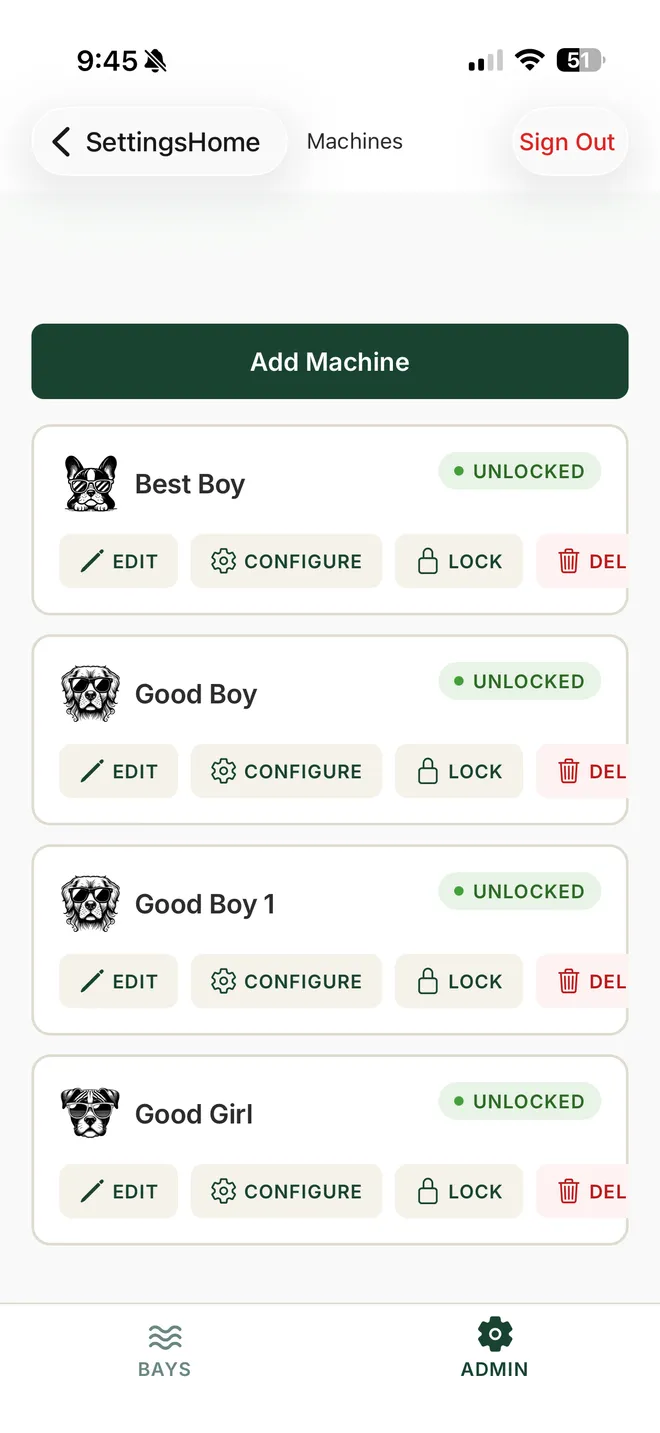
Choose the MonsoonOS app for a quick start, or get a fully dedicated app with your own logo, colors, and identity. Customize bay names and images, like "Barrel" and "Firestick" with custom artwork, so customers instantly recognize each station. Your business, your brand, front and center.
How it works
Set up your location
Add your wash location, upload your logo, configure Subscription Plans and Wash on Demand pricing, and connect your payment account.
Connect your equipment
We wire Stormbox Wash Controllers into your wash timers and pair a Rain Pay terminal at each bay. Works with most self-service setups.
Launch to customers
Your customers download the app, sign up, choose a plan, and start washing. You track everything in real time from your dashboard.
See MonsoonOS in action
Schedule a walkthrough with our team, or visit our launch customer, Stinky Cactus Dog Wash, opening February 2027 in Cave Creek, AZ.