Stays where it is
Wash payments, subscriptions, fleet washes, and promotion redemption keep running at the bay, priced by your rules.
About Rain PayYour customers stopped carrying cash, and the jar on the vacuum island went quiet with it. Tip Box gives them a five-second way to tip the crew again: tap a card, a phone, or a watch, and drive on. No app, no change, nothing to hand over.
$29 / month · 3.5% + $0.30 per tip · $499 full-size or $199 Mini, or $0 down
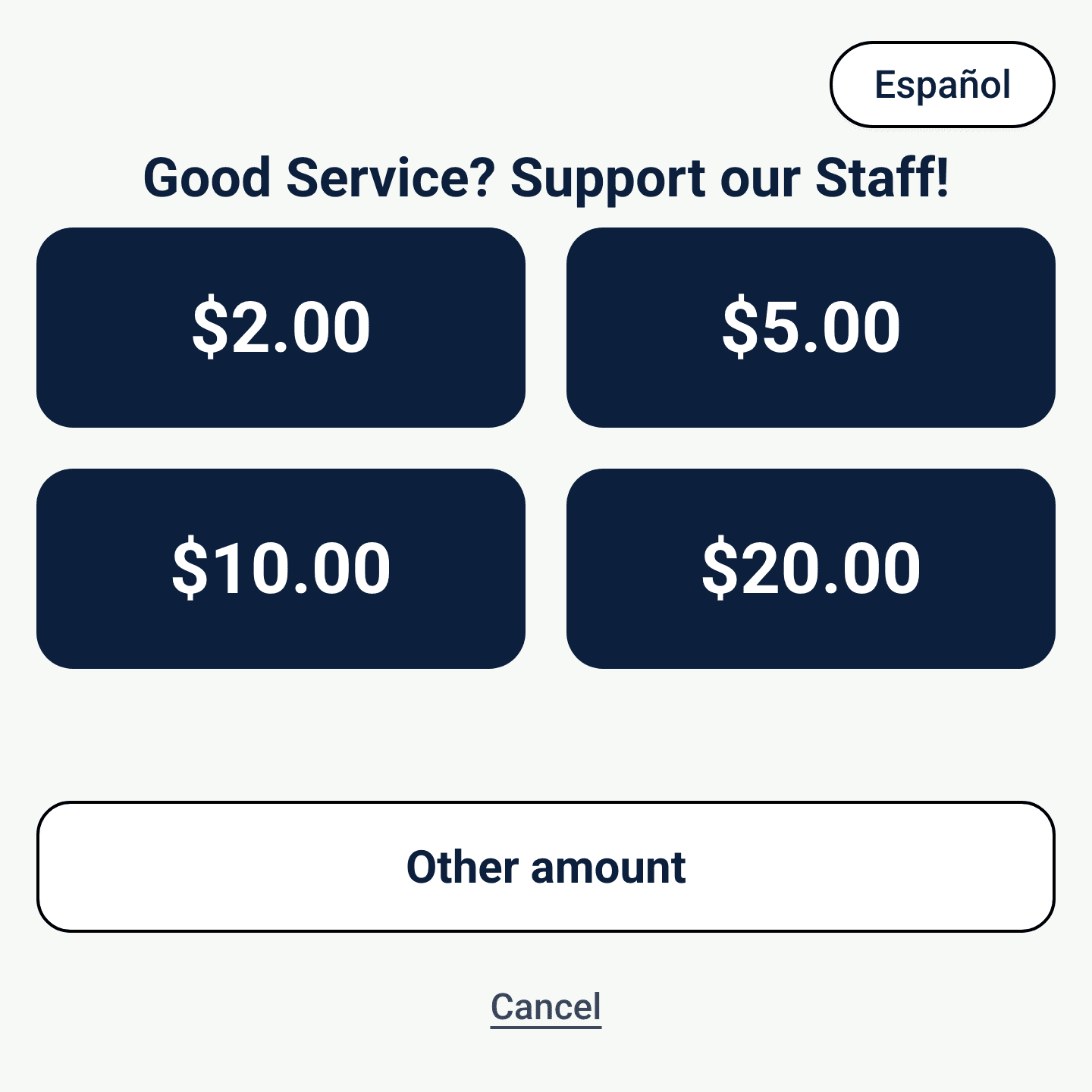
About five seconds.
From reading the screen to pulling forward. Short enough that nobody behind them notices.
Zero apps.
Nothing to download and no account to make. The card already in the car does the whole job.
Nothing to hand over.
No cash to dig for, no window down twice, no line held at the pay station.
Tipping at a wash used to run on whatever was in the cupholder. That change stopped showing up, and the ask got awkward: a QR code taped to a window, a jar with nothing in it, a customer apologizing through the glass.
Tip Box puts the ask back where it belongs, in front of the customer at the moment they want to say thanks, and finishes it in about five seconds. Every tap is recorded, so the end-of-shift split comes from a number instead of a memory.

Cactus Wash Systems sells and supports Tip Box for wash operators.
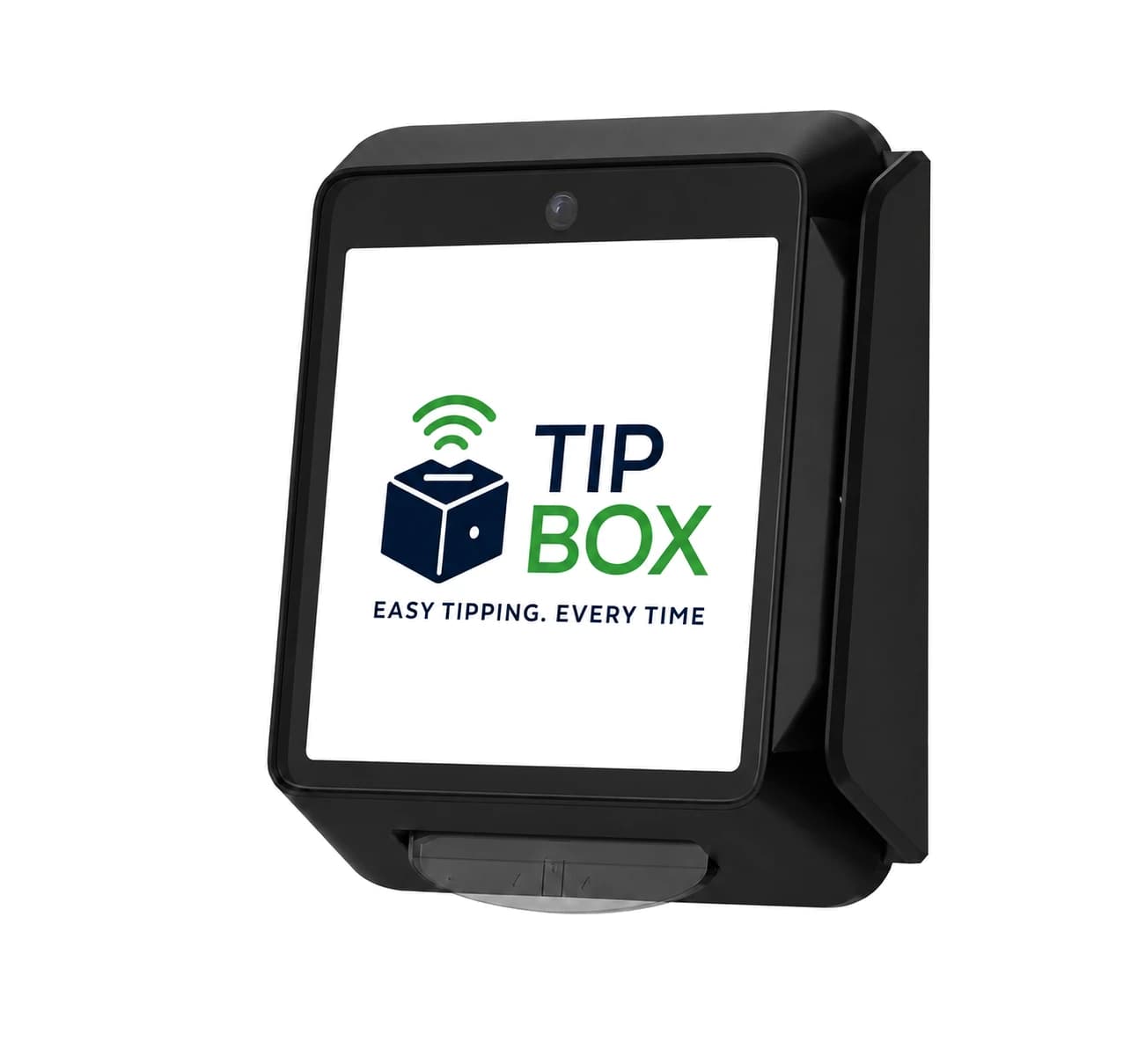
See the full product site at tipboxhq.comSmall enough for a pay-station shelf and rugged enough for a vacuum island in July. Indoors, outdoors, staffed or unattended, the box behaves the same way. It does not care what runs your wash either, so self-serve, in-bay, express, and full-serve sites all put one up the same afternoon.
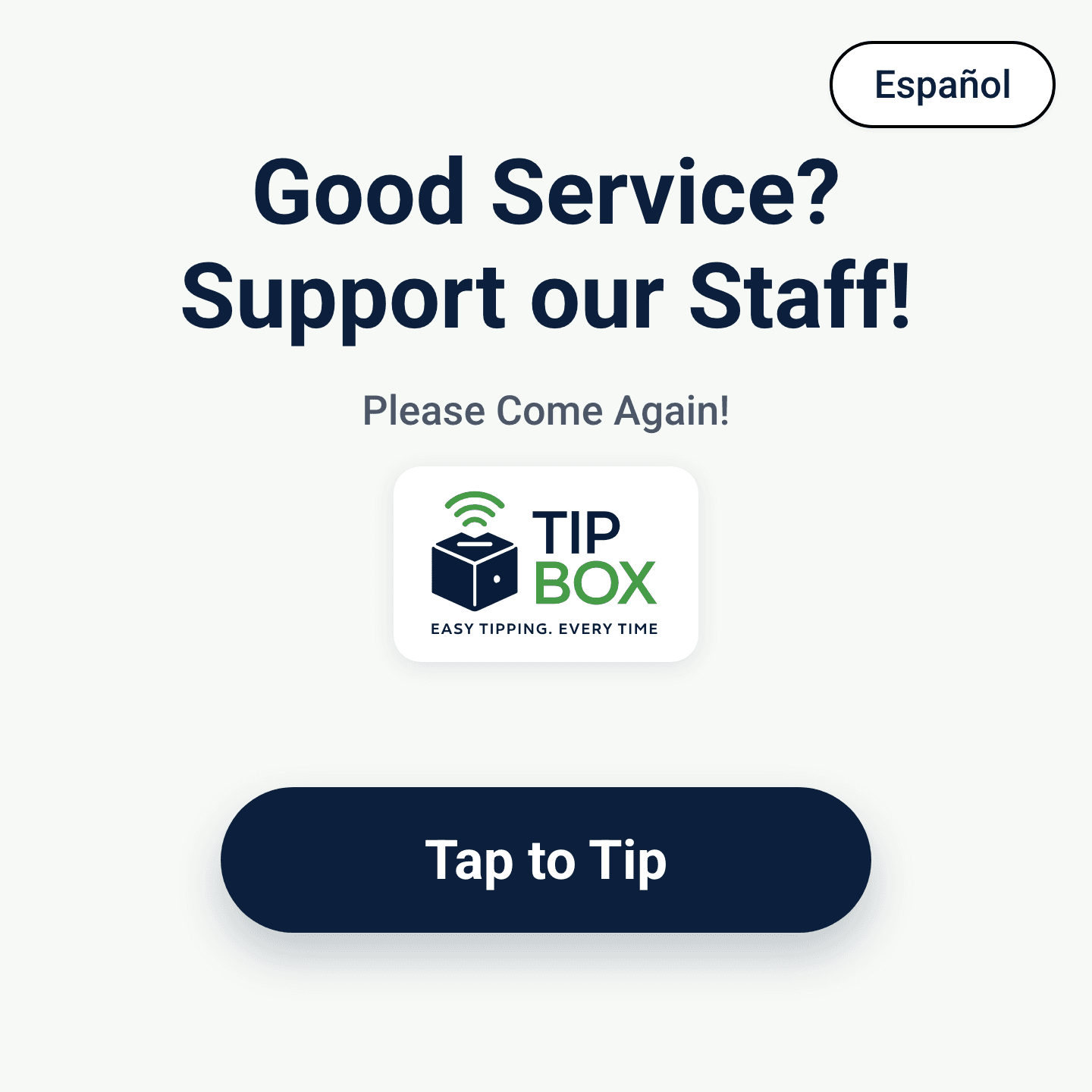
Your logo and your words, in the language your customer reads. One button starts it.
Your presets, sized to your ticket, plus an other amount for anyone who wants to set their own.
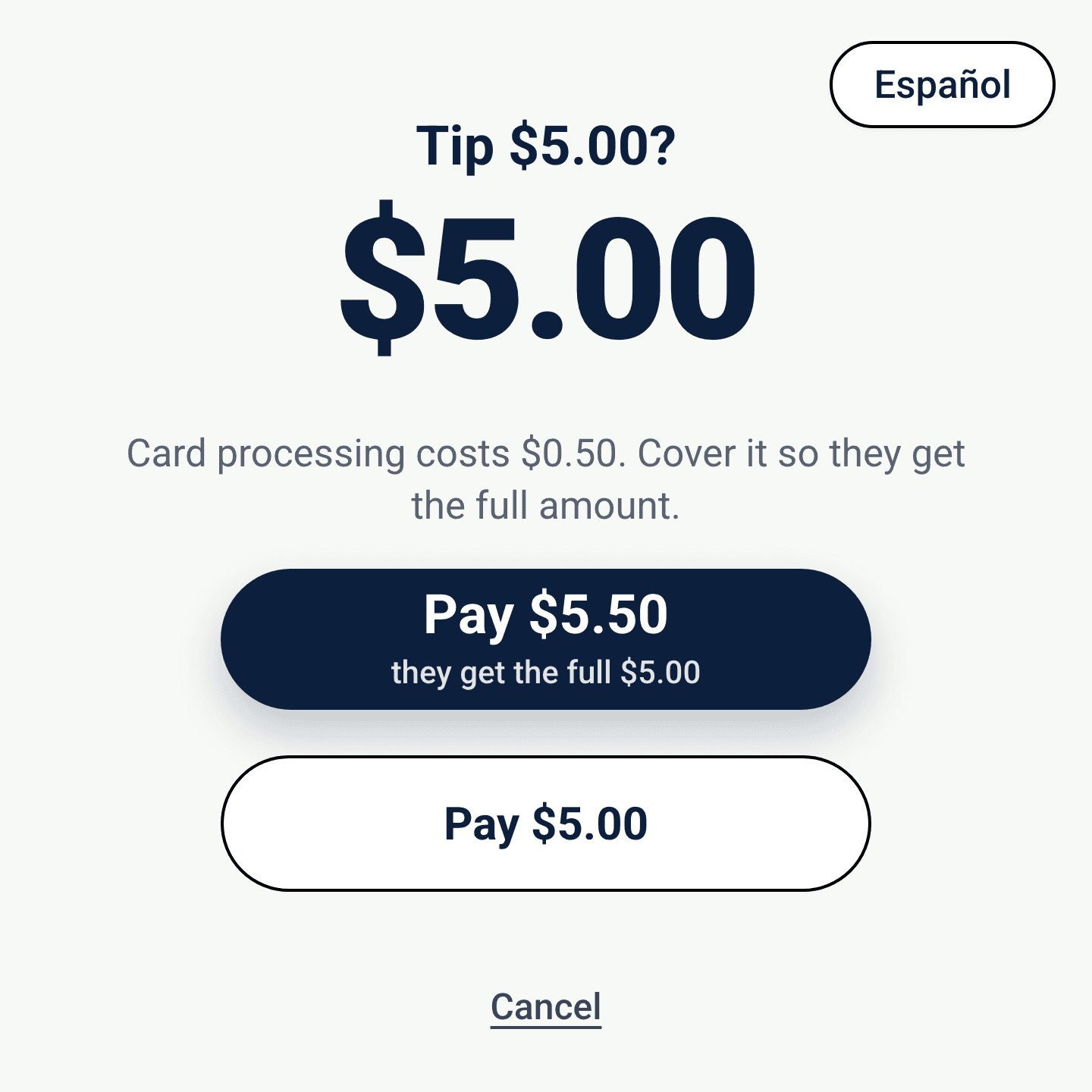
The processing cost is shown plainly. Your customer can cover it so the crew receives the full amount, or pay just the tip.
Deposits then arrive in your bank account on a regular schedule, and every tap shows up in your dashboard, so the totals are never a guess.
Tips do not stop at the screen. Tip Box handles the split, the payout math, and the paperwork, so payday is a number you can trust instead of an evening with a spreadsheet.
Pool a whole location or a single shift, then split it evenly or by hours worked. The math is finished before you close the period.
Approve the period, lock it, and hand payroll one clean export. Every tip, every hour, every person, already added up.
Managers and supervisors are kept out of the pooled tips, the way federal law requires. Your roster stays yours.

Sun, spray, heat, and a Saturday rush are the conditions it was built for. For the pay-station shelf and the lobby counter there is also the Tip Box Mini, a smaller, battery-powered box with the same tap and the same software.
Tap a card, phone, or watch. Chip and swipe are there when someone needs them.
Outdoor-rated housing and a screen you can still read in direct sun at the vacuums.
Stand it on a shelf or fix it to a post, a stand, or a wall. Power it from a standard outlet or over USB.
Your logo, your colors, your language, your amounts. Nothing is preset, and all of it changes any time.
One monthly software fee, one processing rate, and the same numbers Tip Box publishes on its own site.
Software
$29
per month, per box
Processing
3.5% + $0.30
per tip
Your presets
You set the three amounts and change them whenever you like. A custom amount always sits alongside them.
A tip is not a wash charge, so it does not belong on the same screen. Tip Box takes the tip; everything you already run keeps running.
Wash payments, subscriptions, fleet washes, and promotion redemption keep running at the bay, priced by your rules.
About Rain PayIts own terminal, its own screen, its own money. Tip revenue is reported on its own stream, so it never lands in your wash numbers.
Tip Box switches on for an existing MonsoonOS account and appears as its own section: boxes, campaigns, employees, pools, and periods.
No. They tap a card, phone, or watch on the box and they are done. Nothing to download, no account to make, and no email address collected at the box.
Yes. The terminal is rugged and outdoor-rated, with a screen you can still read in direct sun.
It is charged as a cost on the transaction rather than netted out automatically. Depending on your state rules it can be taken out of the tip, absorbed by the wash, or covered by the customer right at the box, which is the option most operators turn on so the crew receives the full amount.
Pool a whole location or a single shift and split it evenly or by hours worked. When you close the period you get one clean payroll export, and managers and supervisors are kept out of the pooled tips the way federal law requires.
No. Tip Box is sold on its own and works at a wash running any equipment or software.
Yes. Put a box at the pay station, another at the vacuum island, and another in the detail bay. Boxes can be configured together so a location rolls up to a single campaign, or each box can carry a campaign of its own.
The full-size Tip Box is $499 one-time, or nothing down at $49 per month on a 24-month term. The Tip Box Mini is $199 one-time, or nothing down at $39 per month on the same term. Buy either box and software is $29 per month with a 6-month minimum. Processing is 3.5% + $0.30 per tip.
The full Tip Box product site is at tipboxhq.com, including the donations side of the product for charity wash days and fundraisers, with online and monthly giving through Tip Box Giving.
Twenty minutes with Cactus Wash Systems and we will map where the boxes go, what the presets should be, and what the first month actually looks like.