Connect DejaUP
Connect your Rain Pay MDB terminals to MonsoonOS on the DejaUP Connection page, so every card sale at a pay station or token machine reaches your reports.
- Plans
- Available on every MonsoonOS plan: Full Wash Platform and Rain Pay Terminals Only.
- Needs
- You need a Rain Pay MDB terminal (shown in the admin as an MDB card reader).
- Who can do this:
- On Full Wash, anyone whose role includes "Change the card-reader connection" (Owner by default). On Terminals Only, your admin login.
Your Rain Pay MDB terminals run DejaUP. Each card sale reaches MonsoonOS through a webhook that DejaUP sends. The DejaUP Connection page gives you the web address and secret to put into DejaUP, and holds an optional token pair. You set this up once for your whole business, not once per reader.
Before you start
- A sign-in to the Dejavoo VIP Cloud portal, where your readers' DejaUP settings live. The DejaUP Connection page calls it the portal, or VMS. If you do not have a sign-in, email support@cactuswashsystems.com.
- At least one MDB card reader registered. See Register an MDB card reader.
Open the page
Go to Settings › DejaUP Connection. It appears once you have an MDB card reader.
1. Set up the webhook (needed for sales)
- In the Webhook section, select Generate secret.
- Copy the secret now. For security it is shown only once.
- Copy the endpoint address with Copy.
- In the portal, open Webhook Configuration for each reader. Paste the endpoint address, and paste the secret into Add Secret. Do this for every webhook entry the portal lists for the reader, then save.
- Back in MonsoonOS, the Webhook section shows Configured. After the next sale, Last delivery received shows its time.
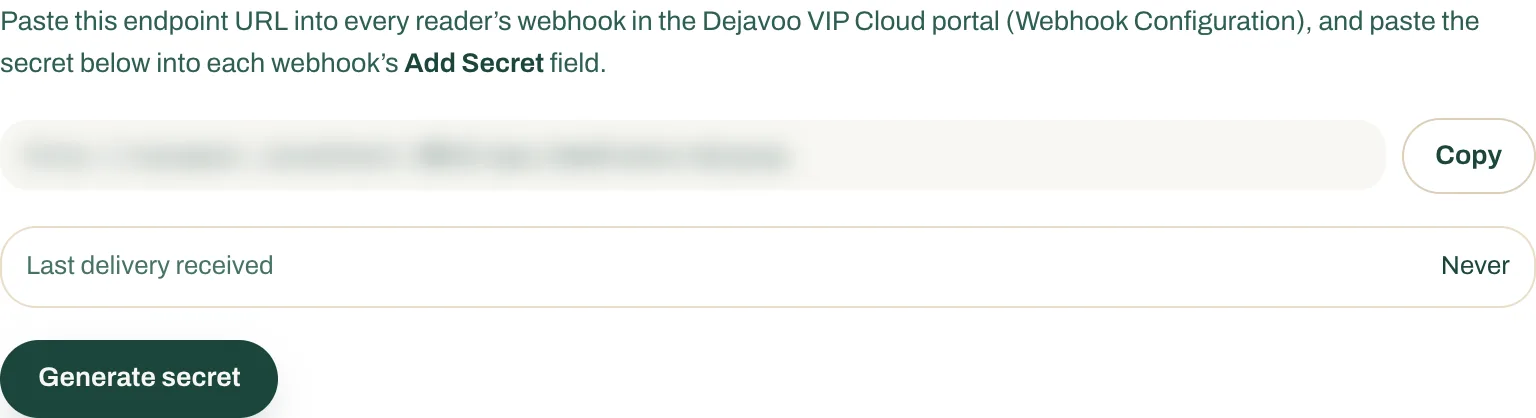
- Generate secret.
- Copy the endpoint address.
- Last delivery received shows when the latest sale arrived.
2. Add the token pair (optional)
Card sales do not need tokens. The tokens let MonsoonOS send requests to your readers.
- In VMS, generate a new access token and refresh token pair.
- On the DejaUP Connection page, under Add tokens, paste the Access token and the Refresh token.
- Select Validate & save. The status changes to Connected.
MonsoonOS renews the pair on its own. If it shows Expiring soon or Needs attention, generate a new pair in the portal and select Replace tokens.