Sign in for the first time
Use the welcome email's temporary password to sign in to the MonsoonOS admin, then choose your own password.
Every plan
- Plans
- Available on every MonsoonOS plan: Full Wash Platform and Rain Pay Terminals Only.
When your account is ready, you get an email titled Your MonsoonOS account is ready, followed by your business name. It holds your sign-in email, a temporary password and a Log In Now button.
Before you start
- The welcome email.
- A computer or phone with a web browser. The admin works on both; a computer is easier for setup.
Sign in and choose your password
- Open the welcome email and select Log In Now. Your MonsoonOS sign-in page opens.
- Enter the Email and the Temporary Password from the email exactly as shown, then select Sign in.
- On Change your password, enter a new password. It needs at least 8 characters, one uppercase letter, and one number or special character.
- Type it again to confirm, then select Set new password.
- The admin home opens. If you still have setup to do, Needs your attention lists Finish setting up with a Continue setup button. It opens the Setup Guide.
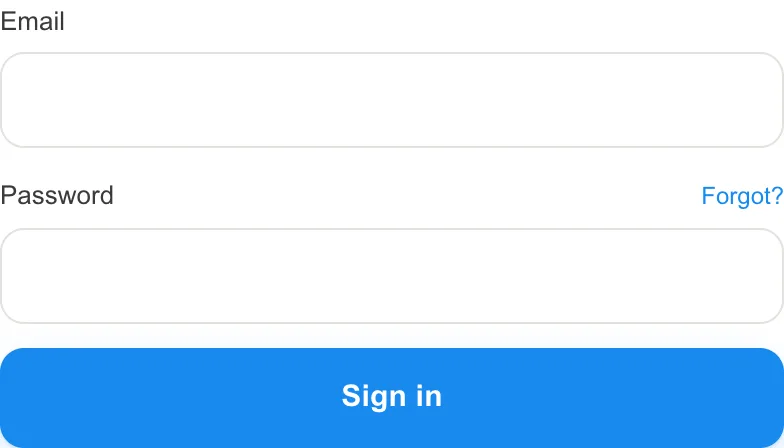
- Your sign-in Email.
- The Temporary Password from the email.
- Sign in.
Save the sign-in page in your browser's bookmarks. It is the web address under the Log In Now button in the email.
What to do next
Take a tour of the admin home, then open the Setup Guide.