Experience terminal or MDB card reader
How to tell the two kinds of Rain Pay terminal apart, what each one does at your wash, and the names each one goes by in MonsoonOS.
Every plan
- Plans
- Available on every MonsoonOS plan: Full Wash Platform and Rain Pay Terminals Only.
Rain Pay terminals come in two kinds. They can look alike, but they do different jobs. Either plan can have either kind, or both.
Side by side
| Rain Pay Experience terminal | Rain Pay MDB terminal | |
|---|---|---|
| Name in the admin | Wash terminal | MDB card reader |
| Where it goes | Beside a self-service bay, vacuum or dog wash station; as one shared kiosk for several bays; or in an in-bay automatic's pay station, where the customer presses the wash on the pay station's buttons and pays on the terminal | Inside the pay station of an in-bay automatic, or on a token machine |
| What the customer sees | The MonsoonOS kiosk screen: wash choices, promo codes, Fleet Wash, a running timer with STOP and Add time, a receipt | The card reader's own payment screen. The customer picks the wash on the pay station or the tokens on the token machine |
| Who runs the sale | MonsoonOS: the terminal charges the card and MonsoonOS starts the machine through its Stormbox | Your equipment: the pay station or token machine runs as it always has, and MonsoonOS records the sale |
| How you set it up | Add it on the Terminals page and type a pairing code on the terminal | Register it on the Terminals page and connect DejaUP. There is no code to type |
| Where its prices come from | Your MonsoonOS pricing pages | The pay station or token machine, matched to your wash packages or token packages |
How to tell which you have
- On the Terminals page, MDB card readers carry a Pay station or Token machine tag. Wash terminals show their bay, or no bay if they are a shared kiosk.
- On your quote or invoice, the line names the terminal: "Rain Pay Experience terminal" or "Rain Pay MDB terminal".
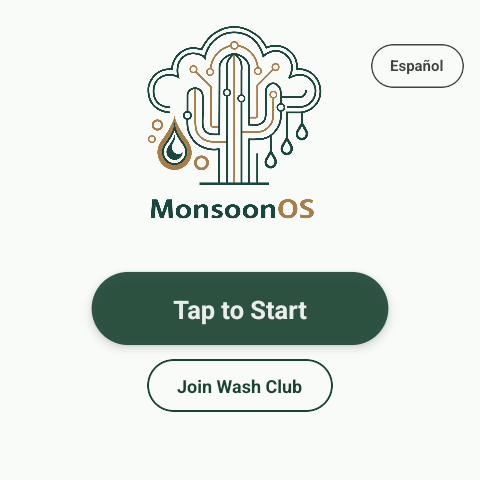
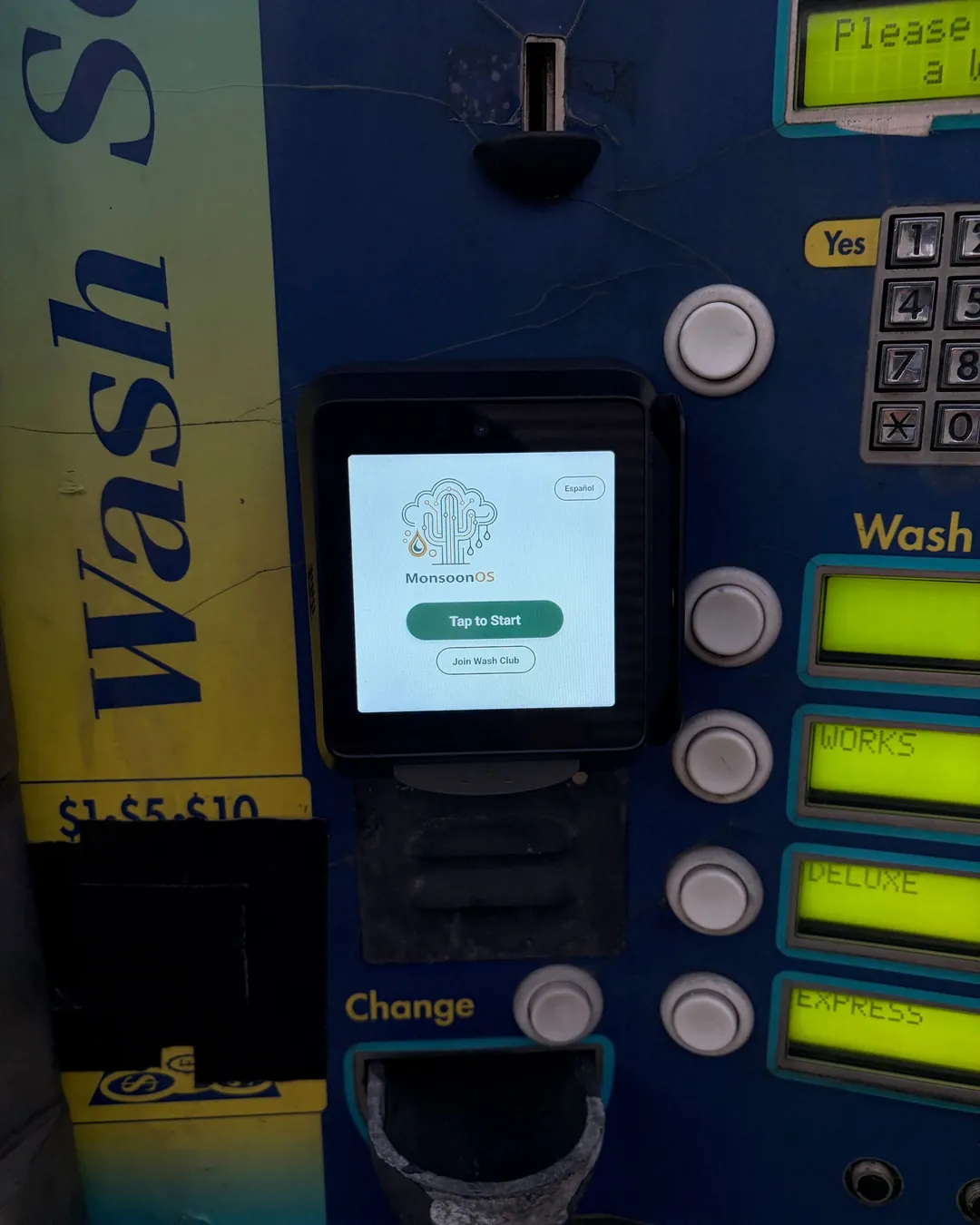
- At the wash, an Experience terminal shows the MonsoonOS start screen with Tap to Start, even when it is mounted in a pay station. An MDB card reader sits in a pay station or token machine and shows the card reader's own screen.
Next steps
- Experience terminal: Pair an Experience terminal
- MDB card reader: Register an MDB card reader