Fill in your legal settings
Enter the business details MonsoonOS places in your public Terms & Conditions and Privacy Policy, on the Legal Settings page of the Full Wash Platform.
- Plans
- Available on the Full Wash Platform only. Rain Pay Terminals Only does not include it.
- Who can do this:
- On Full Wash, anyone whose role includes "Legal pages" (Owner by default).
Your customers agree to your Terms & Conditions and Privacy Policy in the MonsoonOS app. MonsoonOS writes both documents for you. Legal Settings holds the few details that are yours, and MonsoonOS places them in both documents. Rain Pay Terminals Only does not include Legal Settings, because it has no customer accounts.
This is also a step in the Setup Guide: see The Setup Guide, step by step.
The fields
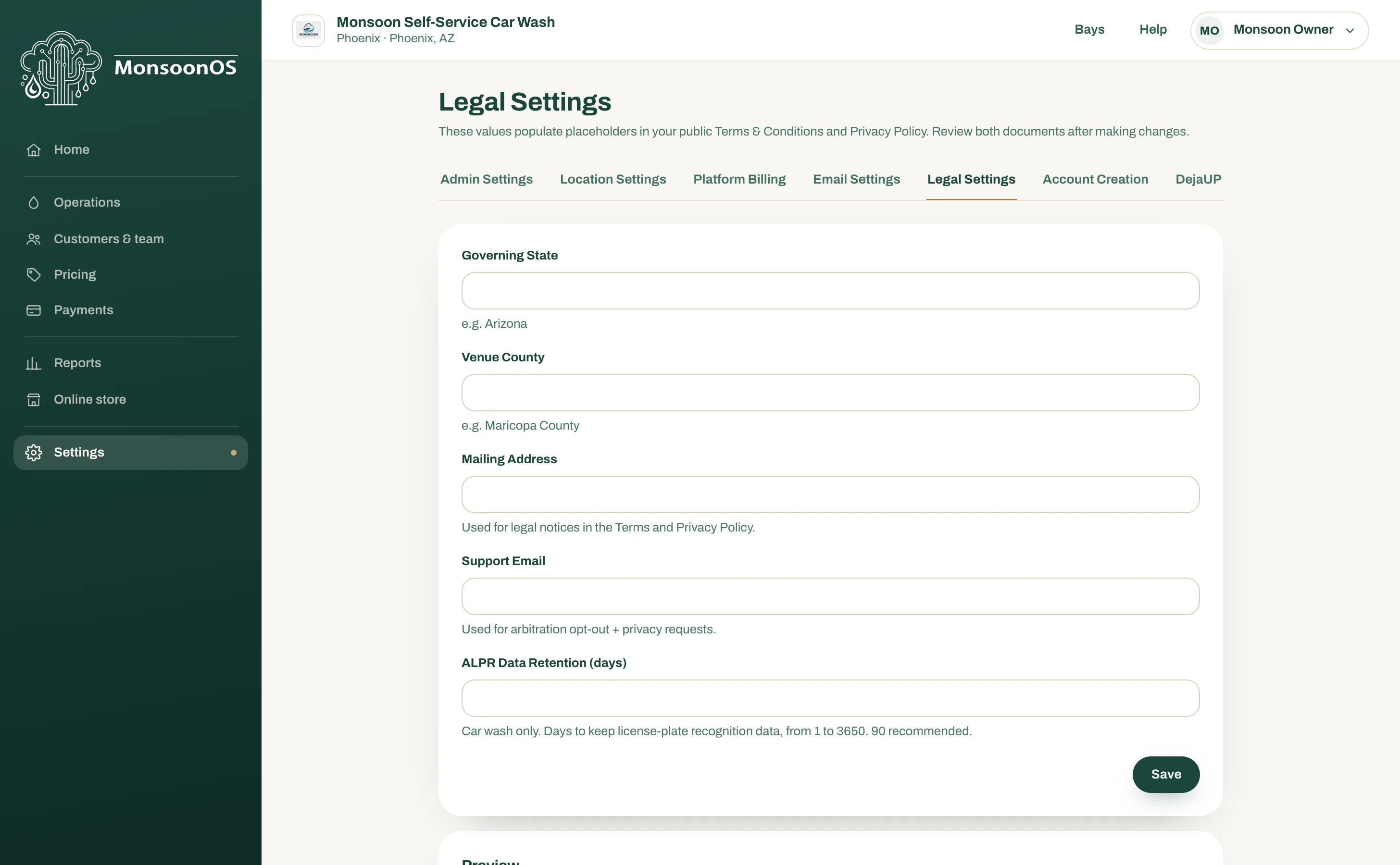
| Field | What to enter |
|---|---|
| Governing State | The state whose law governs the terms, such as Arizona. |
| Venue County | The county where disputes would be heard, such as Maricopa County. |
| Mailing Address | The address for legal notices. It appears in both documents. |
| Support Email | The address customers write to for privacy requests and to opt out of arbitration. |
| ALPR Data Retention (days) | Car washes only: how many days you keep license plate recognition data, from 1 to 3650. The page suggests 90. |
Fill them in
- Open Settings › Legal Settings.
- Fill in each field.
- Select Save. The page shows "Legal settings saved."
Check the documents
Under Preview, open the two links to your Terms & Conditions and your Privacy Policy. Each opens in a new tab with your details filled in. Read both after every change.
If you are not sure what to enter, ask your own lawyer.